Alternatives to a Wedding Photographer
A professional photographer is the most reliable way to get good wedding photos, and also the most expensive. If the price does not fit your budget, you have other options. None of them does exactly what a pro does. Here is a quick guide to wedding photo alternatives:
- Professional photographer: Best quality, but costs $2,000 and up (usually over $3k)
- Guest photo sharing apps: Lower cost, candid shots (e.g., ImageShout for $75)
- Friends and family: Personal touch, but risky
- DIY: Full control, but time-consuming and stressful
- Crowdsourcing: Many perspectives, mixed quality
Quick comparison:
| Option | Cost | Quality | Pros | Cons |
|---|---|---|---|---|
| Pro | High | High | Expertise, reliability | Expensive |
| Apps | Low | Varied | Candid, multiple views | Needs guest participation |
| Friends/Family | Low | Varied | Personal, relaxed | May miss moments |
| DIY | Low | Varied | Full control, savings | Time-consuming, stressful |
| Crowdsourcing | Low | Mixed | Many perspectives | Privacy issues, mixed quality |
Mixing methods is common. A pro for the ceremony plus guest photos for the party covers more than either one alone.
Related video from YouTube
1. Professional wedding photographer
A pro has the skills, the gear, and a lot of practice at weddings specifically. That last part matters. Weddings move fast and the light is often bad.
The price tag
In the UK, expect to pay £1,000 to £2,000 for a pro, with some charging up to £5,000 or more. In the US, prices are around $2,500 on average and can reach $6,000 at the high end.
Emma Thurgood, a wedding photographer, puts it this way:
"Photos are some of the most precious things you can procure for yourself throughout your life."
What is in the package?
- Years of experience (usually 5-10)
- High-end gear
- Practice at sequencing the day into a set of photos that tells the story
- Contracts and backup plans if something goes wrong
The good and the bad
| Pros | Cons |
|---|---|
| Pro-quality images | It'll cost you |
| Wedding day know-how | Less say in the creative process |
| Can handle tricky lighting | Might need to tweak your schedule |
| Expert editing skills |
Making the call
David Lefebvre, a Buckinghamshire wedding photographer, says:
"Choosing between DIY wedding photography and hiring a professional ultimately depends on your priorities, budget, and comfort level."
If you want the main moments covered well and you can afford it, hire the pro. The sections below cover the cheaper options.
2. Guest photo sharing apps and services
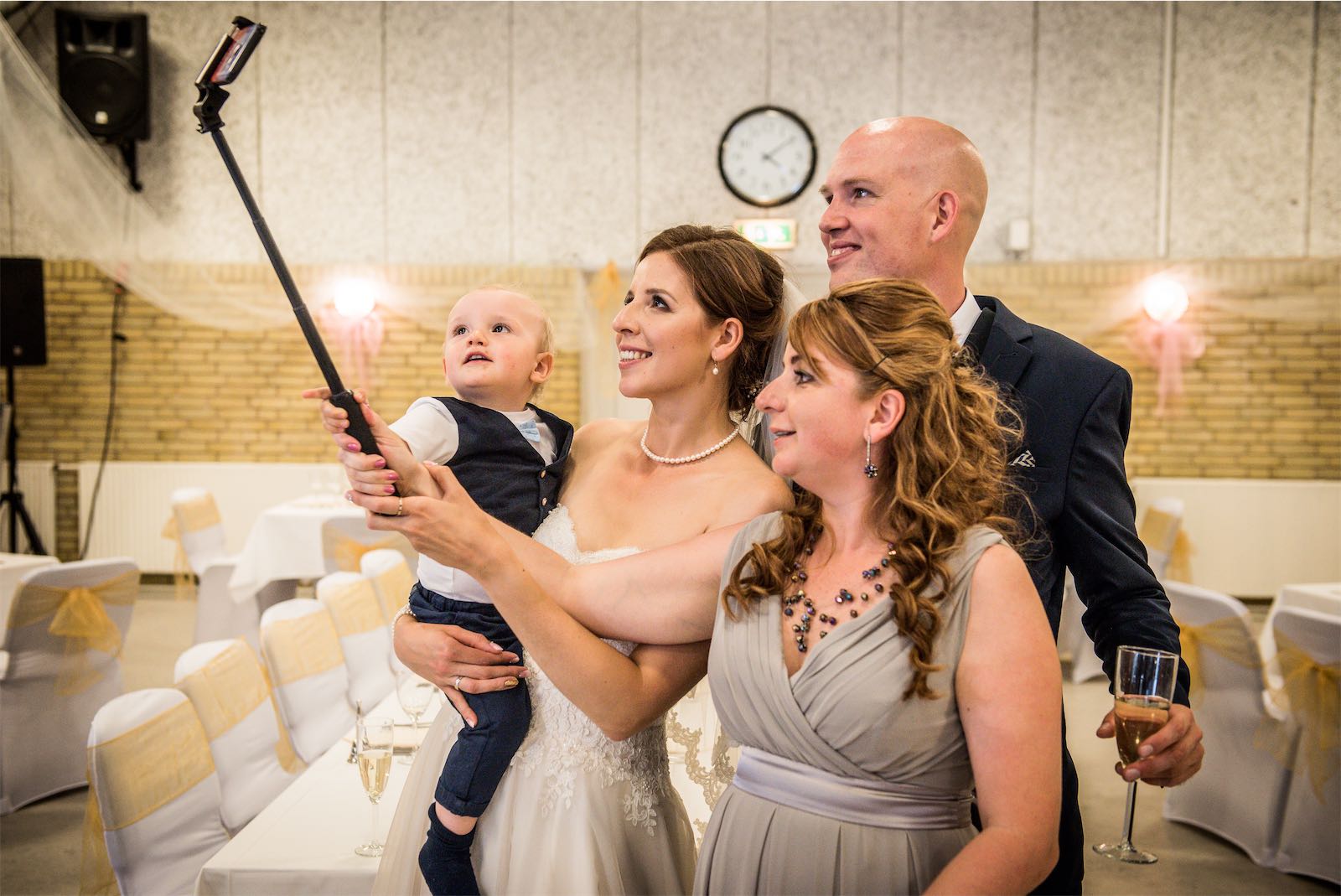
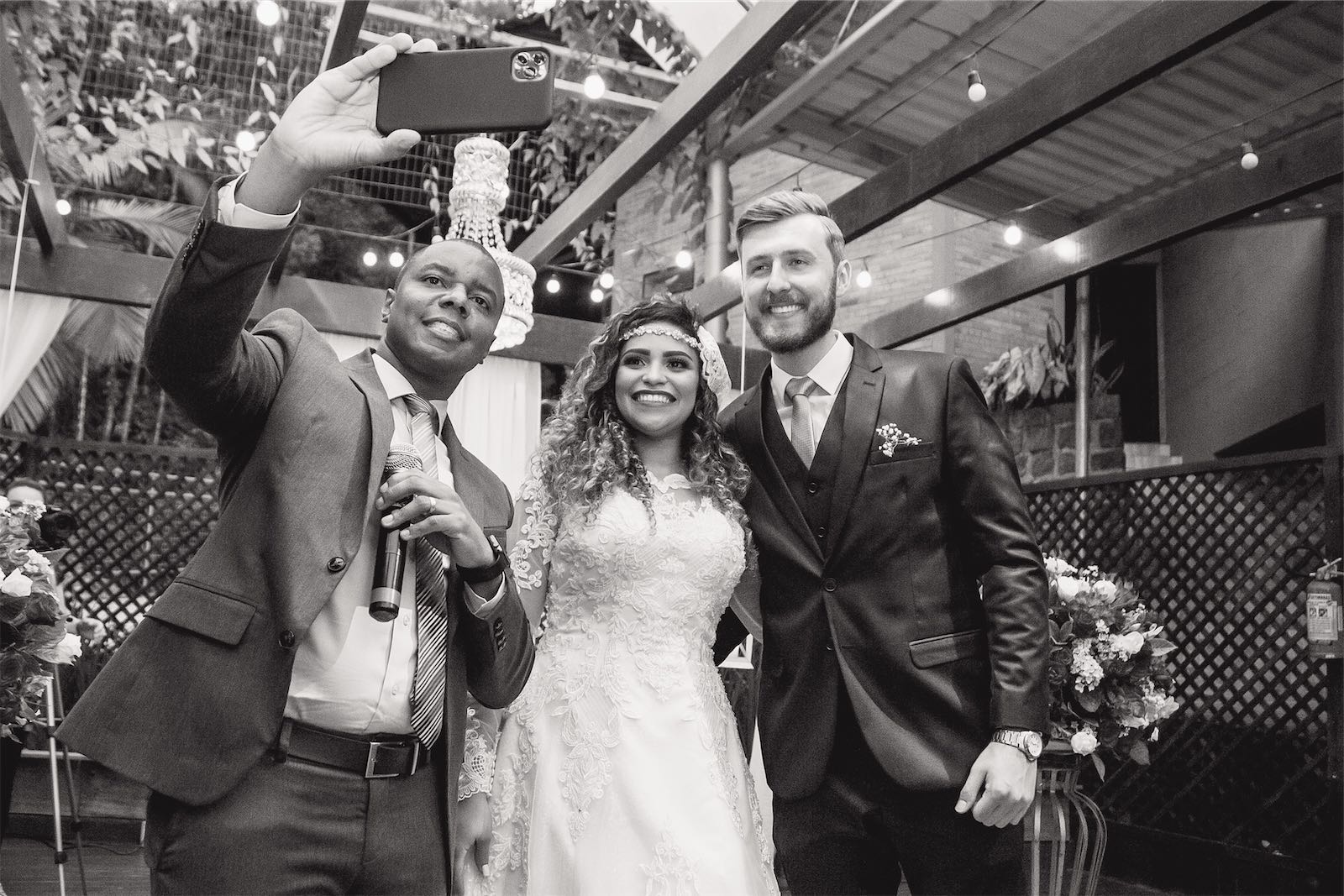
Guest photo sharing services collect the photos your friends and family take anyway. You get a lot more photos, from a lot more seats in the room.
ImageShout is text-based, so there is no app to install. Guests text photos to a special number. It is $75, one payment, for unlimited guest photos.
WedPics works like a small social network. Guests upload, like, and comment on photos. It is free and offers unlimited storage.
The Guest auto-shares photos without manual uploads. It costs $97 per event, and couples usually get 80 to 1,000 photos.
Wedbox collects photos from guests, your photographer, and photo booths. You can organize everything into folders.
Here is a quick comparison:
| App | Key Feature | Price |
|---|---|---|
| ImageShout | Text-to-upload | $75 |
| WedPics | Social network style | Free |
| The Guest | Auto-sharing | $97 |
| Wedbox | Multiple sources | Free (basic) |
These services only work if guests use them. Katelyn Wollet, founder of Katelyn Wollet Photography, says:
"The biggest thing is to include instructions early and remind guests."
Put the instructions in your invites and on your wedding website. A small sign or photo station at the reception helps too.
Guest photos do not replace a pro. They show different things: candid shots, table conversations, and the moments that happen away from the couple.
sbb-itb-bded652
3. Friends and family photos
Asking a friend or relative to take the photos is tempting because it is cheap. It is also the option most likely to go wrong in ways you cannot fix afterward.
The money angle
Pro wedding photographers in the UK can cost £1,000 to £3,000 or more. Your cousin with a good camera may do it for free, or at least for much less.
Photo quality is a gamble
A good eye and good gear help, but a wedding is fast, emotional, and often badly lit. Jason Mann, a pro photographer, puts it bluntly:
"The last thing you want is to 'hire' your friend for your wedding photography and be disappointed with the results."
Your friend might take great sunset shots and still miss the first kiss, or struggle with group photos in a dark reception room.
Plan if you go this route
- Pick the person carefully
- Be clear about what you want
- Give them a must-have shot list
- Do a practice run at your venue
The less obvious costs
- Missed moments: your friend gets caught up in the party and forgets to photograph the first dance
- Gear problems: what happens if their camera dies?
- Editing: raw photos often need work, and someone has to do it
A middle ground
Hire a pro for the main moments and let friends and family fill in the rest. You get reliable coverage where it counts, plus guest photos from the parts of the day the pro is not watching.
Emily, another pro photographer, warns:
"While it may seem like a cost-effective solution to ask a friend or family member to take the photos, the end result will likely not be the same as hiring a professional."
Good and bad points
Professional wedding photographer
| Pros | Cons |
|---|---|
| High-quality images | Expensive (£1,000 to £2,000+ in UK) |
| Lighting expertise | Less personal |
| Reliable coverage | Scheduling limits |
| Pro editing | Less couple control |
David Lefebvre, a Buckinghamshire wedding photographer, says:
"Choosing between DIY wedding photography and hiring a professional ultimately depends on your priorities, budget, and comfort level."
Guest photo sharing apps
| Pros | Cons |
|---|---|
| Cheap | Varied photo quality |
| Candid shots | Needs guest participation |
| Multiple views | Possible tech problems |
| Quick sharing | Less organized results |
ImageShout is the simple version of this: for $75, guests text photos to a special number. No app needed.
Friends and family photos
| Pros | Cons |
|---|---|
| Cheap | Not professional |
| Personal | Might miss moments |
| Relaxed vibe | Basic equipment |
| Flexible | Mixed results |
Jason Mann, a pro photographer, warns:
"The last thing you want is to 'hire' your friend for your wedding photography and be disappointed with the results."
DIY wedding photography
| Pros | Cons |
|---|---|
| Full control | Time-consuming, stressful |
| Personal view | Limited coverage |
| Big savings | Needs skills and gear |
| Private | Risk missing key moments |
Liisa Luts, who shot her own wedding, shared:
"The idea is not to prove a point and it most definitely isn't a call-to-action to cancel the wedding photographers and to take your own photos."
Her approach gave her photos a more personal, first-person feel.
Crowdsourcing with apps and social media
| Pros | Cons |
|---|---|
| Many views | Mixed photo quality |
| Cheap | Privacy issues |
| Candid moments | Needs guest effort |
| Easy sharing | Less pro look |
A TheKnot.com survey found 19% of couples use wedding apps for photos, with 41% thinking about it.
Final thoughts
Professional photographer
If you can spend the money, a pro is hard to beat. In the UK, the average is £1,000 to £2,000, with some charging up to £5,000. In the US, it is around $2,450. What you are paying for is skill and someone whose only job that day is the photos.
Guest photo apps
ImageShout costs $75, one payment, for unlimited guest photos. Guests text photos to a special number, no app needed. The photos are less polished than a pro's and more candid.
Friends and family
This can save a lot of money. It can also leave you with no usable photo of a moment you cared about. If you go this way, be clear about what you want and give the person a list of must-have shots.
"The last thing you want is to 'hire' your friend for your wedding photography and be disappointed with the results." - Jason Mann, pro photographer
Mix it up
1. Get a pro for the big moments
Hire a photographer for 4-6 hours to shoot the ceremony and formal photos.
2. Use a service for the party
Set up ImageShout or a similar service so guests can share party photos as they take them.
3. Make your own photo booth
Set up a backdrop with props. Guests will use it all night without being asked.
Whatever you choose, tell guests the plan. Katelyn Wollet, who runs Katelyn Wollet Photography, advises:
"The biggest thing is to include instructions early and remind guests."
FAQs
Can you DIY wedding photos?
Yes. It saves money and it adds work and stress on the day itself. A few things to sort out first:
Equipment: You'll need a good camera, lenses, and lighting. Frank McKenna, an amateur photographer, says:
"If you want the same result you're going to want to use the same top notch equipment the pros use."
Skills: Practice shooting in different conditions and practice taking candid photos before the wedding.
Planning: Make a shot list of must-have photos. It helps you stay on track when the day gets busy.
Backup: Have a plan B. Rent a second camera or ask a skilled friend to be your backup.
How to crowdsource wedding photos?
-
Wedding hashtag: Pick a unique hashtag for social media posts. Example: #SmithWedding2023.
-
Photo-sharing tool: Use a service like ImageShout ($75 one payment for unlimited guest photos). Guests text photos to a special number, no app download needed.
-
Photo station: Set up an area with good lighting and props.
-
Tell guests early: Put photo-sharing instructions in your invitations or on your wedding website.
-
Strong Wi-Fi: Make sure your venue has good internet for uploads.
Katelyn Wollet, founder of Katelyn Wollet Photography, says:
"The biggest thing is to include instructions early and remind guests."