Budget-Friendly Ways to Collect Wedding Photos
Budget-friendly ways to collect wedding photos
You don't need a second photographer to get more photos of the day. Your guests are already taking them. The problem is getting those photos off their phones and into one place. Here are five ways that work:
- Text-to-share: use ImageShout and let guests text photos to a number
- Cloud storage: make a shared Google Photos album guests can upload to
- Table cameras: put disposable or cheap digital cameras on the reception tables
- DIY photo corner: a backdrop, some props, and room to pose
- Wedding hashtag: one hashtag guests use when they post
Whichever you pick, it has to be easy. Guests who need instructions longer than a sentence mostly won't bother. Put up clear signs and remind people a couple of times during the reception.
Done well, these get you plenty of candid moments for a lot less than hiring another pro.
Related video from YouTube
1. ImageShout text-to-share service
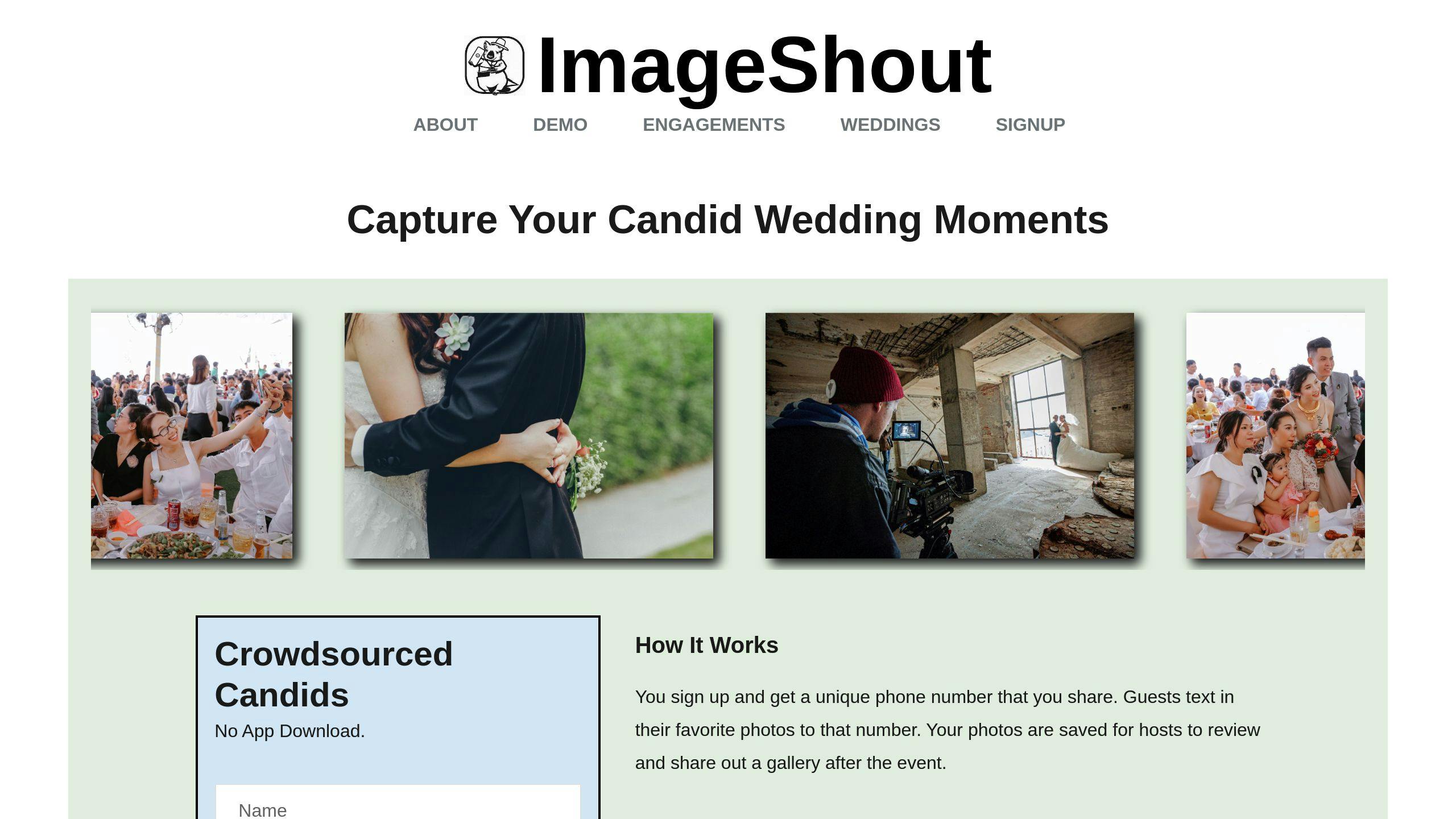
ImageShout is a budget-friendly way to collect wedding photos. Guests text their shots to a phone number for your event, and the photos land in one album.
No app is needed. Guests use the texting app already on their phone, which matters more than it sounds. Every download or sign-up loses people.
Setup is short. You get a number for your event, then put it on invitations, table cards, and signs at the venue.
There are two plans, both a single payment:
| Plan | Cost | What you get |
|---|---|---|
| Classic Wedding | $75 | Unlimited pics, 3-year album, text in up to 3 months after |
| Wedding Journey | $150 | Unlimited pics, 3-year album, text in 1 year before to 1 year after |
No subscription. No per-photo charges and no guest tiers. The album stays online for 3 years, so there's no rush to download everything the week after the wedding.
You can also review photos before they go into the gallery, which helps if an uncle gets enthusiastic with the camera.
Three things that help:
- Tell guests before the day, and again at the reception.
- Ask one person to be the photo cheerleader and remind tables to send their shots in.
- Put the number everywhere. People forget.
2. Google Photos group albums
Google Photos is free, and most guests have seen it before. You make a shared album, send out the link, and guests upload their photos there. You'll get the day from a lot of angles.
To set one up:
- Open Google Photos (app or website)
- Make a new album for your wedding
- Hit "Share" and pick "Create link"
- Send the link to guests by email, your wedding site, or printed cards
A QR code for the link helps. Make one with a free online tool and put it on table cards. Guests scan it and go straight to the album instead of typing a long URL.
Some apps can also pull from Google Photos and run a live slideshow during the reception. Seeing their photos appear on a screen tends to get more guests uploading.
The trade-offs:
| Pros | Cons |
|---|---|
| It's free | Guests need a Google account |
| Stores tons of high-res photos | Fewer wedding-specific features |
| Works on all devices | Some privacy worries |
| Sorts photos automatically | Might confuse non-tech-savvy folks |
"Most of your guests will likely be familiar with file-sharing platforms like Google Photos and Dropbox. This familiarity can lead to higher participation rates compared to wedding-specific apps that require new downloads or registrations." - Say I Do
Check the sharing settings before the day. You can control who sees the album and who can add to it, so it stays limited to your guests.
3. Table cameras for guests
Table cameras catch things a photographer across the room can't: what's happening at the tables, between the speeches and the dancing. They're also cheap.
Disposable cameras are the simplest version. Anyone can use one, kids and grandparents included.
- Price: about $10-$20 per camera, with 27 shots each
- Where to buy: Walmart, Target, drugstores, or online at B&H Photo or Adorama
- Developing: add another $15-$16 per camera
Money-saving tip: Walmart sells 10-packs of Fujifilm Quicksnap or Kodak FunSaver cameras for $124-$129. With developing, that's roughly $27.50 per camera.
If you want to see the photos the same night, use basic digital cameras instead. You can check the shots right away, and nobody has to wait on a lab.
To get more out of them:
Put one camera on each table. Amy Lynn Parmar from Poppy + Lynn says, "Put one disposable camera on each table of eight to ten guests." For 150 guests, that's about 15 cameras.
Give guests something to shoot. Little cards with photo suggestions, or an "I Spy" list, work better than a camera sitting untouched next to the centerpiece.
Tell guests to use the flash. Reception rooms are dark, and disposable cameras show it. Jacequelyn Aleece from The Wedding Plan & Company adds:
"Use them with purpose by picking some guests as photographers and giving them specific moments to capture."
And expect the photos to be rough around the edges. That's the point of them. They won't replace your pro shots, and they aren't meant to.
sbb-itb-bded652
4. Simple photo corner setup
A photo corner costs little and gives guests something to do while they're waiting for dinner or taking a break from dancing. Here's how to set one up.
Start with the backdrop. A gold sequin tablecloth from Koyal Wholesale is one easy option. Others:
- Chiffon curtains for a softer look
- Vinyl greenery for a natural feel
- A balloon arch, if playful fits your wedding
Add props. Funny signs or speech bubbles, costume pieces like hats, boas, and sunglasses, and a big picture frame for posing are enough. Don't overbuy. A small pile gets used; a big one gets ignored.
Pick a spot guests can reach without getting in the way of the event. A corner or a space near the favors works. Leave room for small groups.
Light matters more than the backdrop. Set up near a window if you can, or add string lights or a small LED panel.
Guests can shoot on their own phones, or you can provide one of these:
- An iPad on a stand
- Instant cameras
- A digital camera on a tripod
Photographer Catherine Guidry notes: "Taking a pause to strike a pose will also give friends and family a break from the dance floor, or it can function as an alternative activity for those who feel uncomfortable dancing."
Give the photos somewhere to go afterwards:
- A clothesline with mini clothespins for instant prints
- A guest book for photos and messages
- A wedding hashtag, so you can find the posted ones later
It doesn't need to look professional. Simple supplies and a good spot are most of it.
5. Wedding day hashtags
A hashtag costs nothing. Guests post on Instagram or Twitter with it, and you can find their photos afterwards in one search.
The catch is in that sentence: they have to post, and post publicly. Photos that stay in a camera roll, or on a private account, won't show up.
Your hashtag should be:
- One-of-a-kind
- Easy to remember
- About the two of you
Mix your names, the wedding date, or a short phrase. Alex and Sam getting married on June 15, 2024, might use #AlexAndSamSayIDo2024 or #SamPlusAlexForever. Check that yours isn't already in use for someone else's wedding.
Once you have it:
- Put it on save-the-dates and invitations
- Add it to your wedding website
- Display it at the venue
- Remind guests during the reception
A photo wall with the hashtag on it doubles as a reminder and a place to pose. Cards on each table help too. A small prize for your favorite hashtagged photo can get a few more people posting.
Bonus idea: a social media display service can show hashtagged photos live during the reception. People share more when they see their photo go up.
How to guide guests
Most guests are happy to share photos. They just need to know how, early, and be reminded once or twice.
Use QR codes where you can. One code that links to your photo-sharing platform, printed on table cards, signs, or the program, beats a long web address.
Tell guests before the wedding day. Put the details on your wedding website and in the invitations. Something like: "Help us capture every moment! Scan the QR code at the reception to share your pics with us."
Put up signs where people will actually see them: the entrance, the bar, the guest book. Keep the instructions to a few steps.
Have your DJ or coordinator announce it during the reception. One friendly reminder is enough. Three is nagging.
A small prize for the best guest photo works if your crowd is competitive. Skip it if it isn't.
And give people an offline option. Not everyone is comfortable with apps and links. A few disposable cameras cover them.
If you're collecting uploads yourself, a service like DriveUploader makes a file request link guests can use to send photos straight to a Google Drive folder. You can sort them into subfolders by upload time.
"The biggest thing is to include instructions early and remind guests", says Katelyn Wollet, Founder of Katelyn Wollet Photography. "Use invitations, wedding websites, or reception signage to communicate how guests can share photos."
Photo safety and storage
Collecting the photos is half the job. The other half is not losing them. Here's how to store them without spending much.
Back it up (multiple times)
Use the 3-2-1 rule:
- 3 copies of your photos
- 2 different storage types
- 1 copy stored somewhere else
Save the photos to your computer first, then copy them to an external drive or USB stick. Some solid options:
- LaCie Rugged (tough for travel)
- Western Digital My Passport (cheap and small)
- SanDisk Extreme Portable (fast and sturdy)
For the off-site copy, use a cloud service:
- Google Drive: 15GB free, $1.99/month for 100GB
- Dropbox: 2GB free, $9.99/month for 2TB
- iCloud: 5GB free, $0.99/month for 50GB
Keep it organized
Make folders that make sense:
Wedding Photos/
├── Ceremony/
├── Reception/
├── Family Portraits/
├── Guest Photos/
└── Honeymoon/
Use clear file names like "FirstDance_2023-06-15.jpg" instead of "IMG_1234.jpg". Future you will be grateful.
Don't lose quality
Facebook and other sites compress photos. Keep your original, full-quality files separate from the copies you post online.
"Photos are meant to be printed, not stored on your laptop." - Heather Sham, Photographer
Print your favorites
Prints are worth doing while you still remember which photos you loved. Options:
- A wedding album with 100-200 top pics
- A few big canvases for your walls
- A pro lab like Mpix for better print quality
Lock it down
If you're using shared cloud storage or photo apps:
- Use strong, unique passwords
- Turn on two-factor authentication
- Be careful with sharing settings
Keep it fresh
Once a year:
- Check all your storage
- Update to newer tech if needed
- Refresh your backups
Summary
The five options, in short:
-
Crowdsourced photo sharing: a service like ImageShout lets guests text photos to a number, and you get one album.
-
Cloud storage: Google Photos shared albums are free, and most guests already know the app.
-
Table cameras: disposable or cheap digital cameras on the tables. Old-school, and good for candid shots.
-
DIY photo corner: a backdrop and props. Cheap, and guests enjoy it.
-
Wedding hashtags: free, and they work for guests who post publicly anyway.
Pick the one your guests will actually use. That's the whole decision.