How to Collect Wedding Photos From Guests (Without an App)
How to collect wedding photos from guests
Give your guests one phone number and have them text their photos to it. That is the whole system, and it is the one that works for everybody in the room. Your grandmother can text. Your college roommate can text. Nobody has to download anything, sign up for anything, or stand in the corner of a barn venue squinting at a QR code while the upload spins.
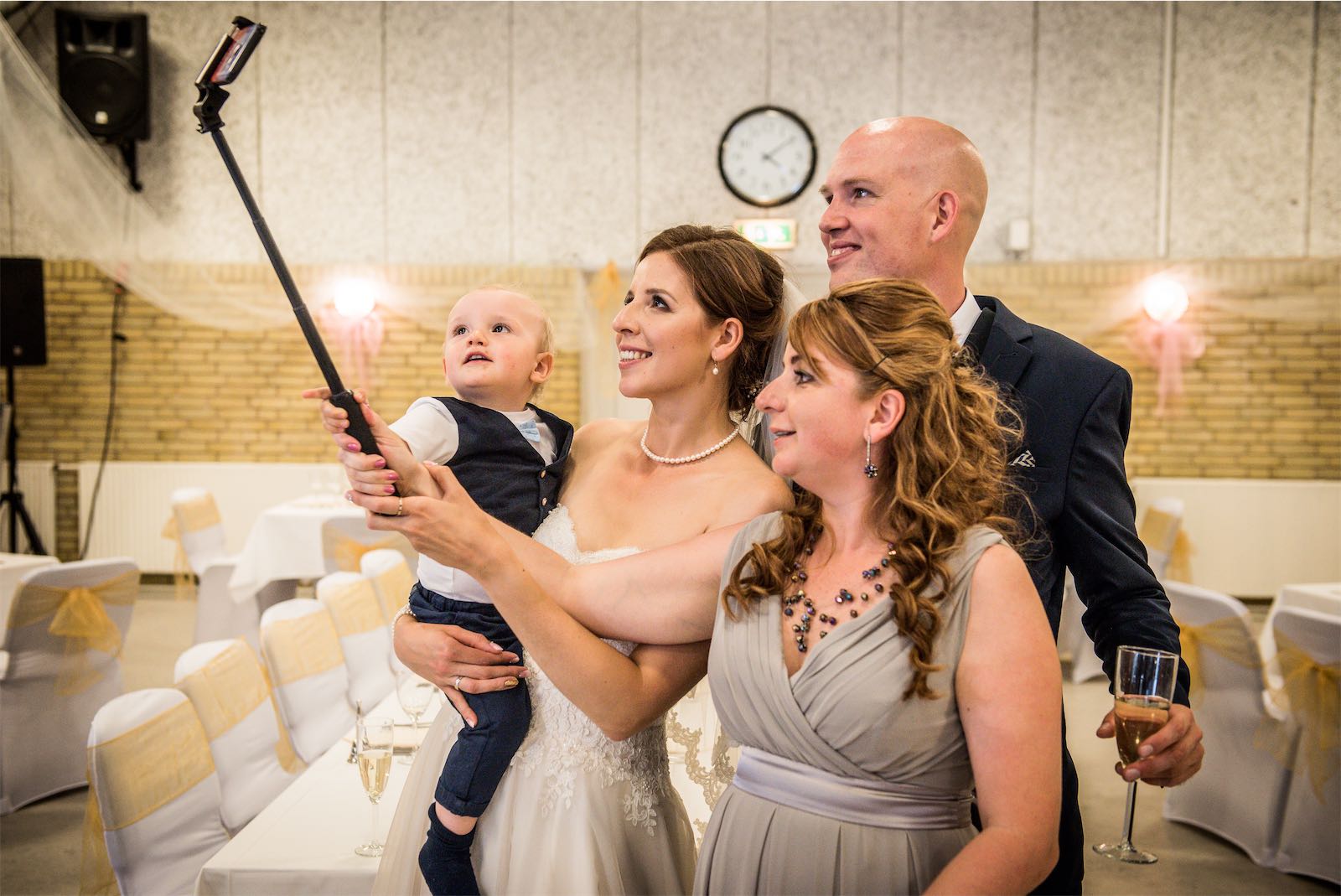
We know it works because it is how ImageShout started. Our first wedding was a four-person Covid ceremony, livestreamed from our living room. When we finally had the real reception, 100-plus guests, we wanted to see the night through their eyes, so Travis built a rough version of this for our own wedding. Over 150 pictures came back. Some of the best shots of the day were not from our photographer. They were from table 9.
Everything your guests send lands in one private album that you moderate and keep for three years. It costs $75, once. The rest of this page compares the other ways people collect guest photos, including the free ones, with what each one actually costs you in missed photos.
Who this page is for
Couples who want the candid layer: the photos from every table, every angle, the stuff a photographer physically cannot be there for. If your guest list skews older, or your venue has the kind of signal most barns and vineyards have, that matters more, not less. Every method below fails somebody. Pick the one that fails the fewest of your actual guests.
If you only want professional photos, skip all of this and put the money toward a better photographer. Most couples who use ImageShout have a photographer too. The two do different jobs.
Five ways to collect guest photos, compared
| Method | What a guest has to do | Cost | Who it leaves out | Photo quality |
|---|---|---|---|---|
| Text them in (ImageShout) | Text photos to one number | $75, one payment | Nobody with a phone | Carrier-delivered (MMS size) |
| QR code upload page | Scan a code, open a page, pick photos, upload | Free to about $100 | Guests who do not scan, anyone on bad signal | Original files |
| Shared album (Google Photos, iCloud) | Open a link, sign in, join the album, upload | Free | The other platform’s users, anyone stopped cold by a sign-in screen | Original files |
| Hashtag | Post publicly with the hashtag | Free | Most of the room. Most people never post | Compressed and cropped |
| Group chat | Join the chat, send photos in batches | Free | Anyone not added. Photos also get buried under 200 messages by morning | Compressed, sometimes badly |
Two honest weaknesses of texting, since we are the ones selling it. Carriers shrink photos sent by text, so what you get is great on a screen and fine for sharing, and it is not the original full-resolution file your photographer delivers. And the number only works if guests know it exists. Print it on the table cards. Have your DJ announce it once before dinner and once before the last dance. Send one reminder text the next morning, while people are still scrolling through last night’s camera roll. That last one brings in more photos than you would guess.
Every method on this list lives or dies on the same thing: whether guests hear about it at the wedding, out loud, more than once.
How it works
You sign up before the wedding and get a phone number for your event. Guests text photos to it during the wedding and afterwards, up to three months later on the Classic plan. The photos land in a private gallery. You moderate it, so nothing shows anywhere unless you share it. The album stays online for three years, and you can download a full backup whenever you want.
Having events around the wedding too? The $150 Wedding Journey plan stretches the texting window to a year before and a year after, so the engagement party, showers, and rehearsal dinner all feed the same album.
What it costs
Classic Wedding is $75, one payment. Unlimited guest photos, texting in for up to three months after the wedding, the album hosted for three years, full backup download included.
Wedding Journey is $150, one payment. Same thing, with the longer window.
There is no subscription and no per-photo pricing. Older pages on this site quote photo caps and other prices from earlier versions of the service. Where they disagree with this page, this page is right, and we are correcting the stragglers.
Getting guests to actually send photos
Announcements do the heavy lifting. The service is the easy part.
Put the number where people sit. Table cards beat the ceremony program, which half the room leaves on the chair.
Ask for two DJ announcements, before dinner and before the last dance. Watch the table after the second one. Phones come out.
Send one reminder the morning after. Not a week later. The morning after, people are looking at their photos anyway, and that is when the good candids show up.
Keep the ask to one step. “Text your photos to this number” works. Anything that starts with “download” or “create your account” loses people before they begin, and it loses exactly the guests whose photos you most want, the ones who were too busy dancing to document anything carefully.
Questions couples ask us
Do guests need an app or an account?
No. That is the point of doing it by text. Guests use the messaging app already on their phone, and there is nothing to sign up for.
What is the best way to collect wedding photos from guests?
Texting reaches the most guests because it has the fewest steps and works on any phone, including on the weak signal you get at a lot of venues. If keeping original full-resolution files matters more to you than reach, a QR upload page is the better pick. Shared albums and hashtags cost nothing and are fine as a backup, but expect them to miss most of the room.
How many photos will we get?
It depends on your announcements more than on the service. At our own reception we got over 150, from a rough first version and a crowd that had never heard of the idea. Couples who print the number on every table and get it announced generally hear from a good share of the room. A number nobody mentions collects almost nothing, and that is true for every row in the table above.
Are the photos private?
Yes. The gallery is private and you moderate it. Guests text photos in. They cannot see each other’s photos unless you share the gallery link with them.
Can guests send photos after the wedding?
Yes. Classic allows texting in for up to three months afterwards, and the album itself stays up for three years. Wedding Journey stretches the texting window to a full year on either side of the wedding.
We hired a photographer. Is this still worth it?
Usually, yes. Your photographer is one person standing in one place. Your guests are everywhere else. At our wedding the professional shots are the ones in frames, and the guest shots are the ones we actually send each other.
What we tell friends
Text your guests a number, announce it twice, remind them once the next morning. Skip the hashtag, it will get you eleven photos, nine of them from the same cousin. If you want to see it before you pay for it, there is a live demo. Pricing is here, and signing up takes a couple of minutes.