
The Complete Guide to Crowdsourced Wedding Photography: Using Guest Photos Successfully
The Complete Guide to Crowdsourced Wedding Photography: Using Guest Photos Successfully
Crowdsourced wedding photography lets your guests capture candid moments of your big day, offering a budget-friendly alternative to professional photographers. Here's how to make it work:
- Why Choose It? Save money, get multiple perspectives, and involve your guests in documenting the event.
- Plan Ahead: Start 2-3 months early. Choose a photo-sharing platform, create a wedding hashtag, and communicate instructions clearly.
- Best Tools: Use apps like WedPics, Capsule, or ImageShout (app-free option) to collect and organize photos.
- Encourage Participation: Set up photo booths, charging stations, and live photo feeds to inspire guests to share their pictures.
- Post-Wedding Tips: Sort and edit photos by key moments, manage privacy settings, and curate a memorable collection.
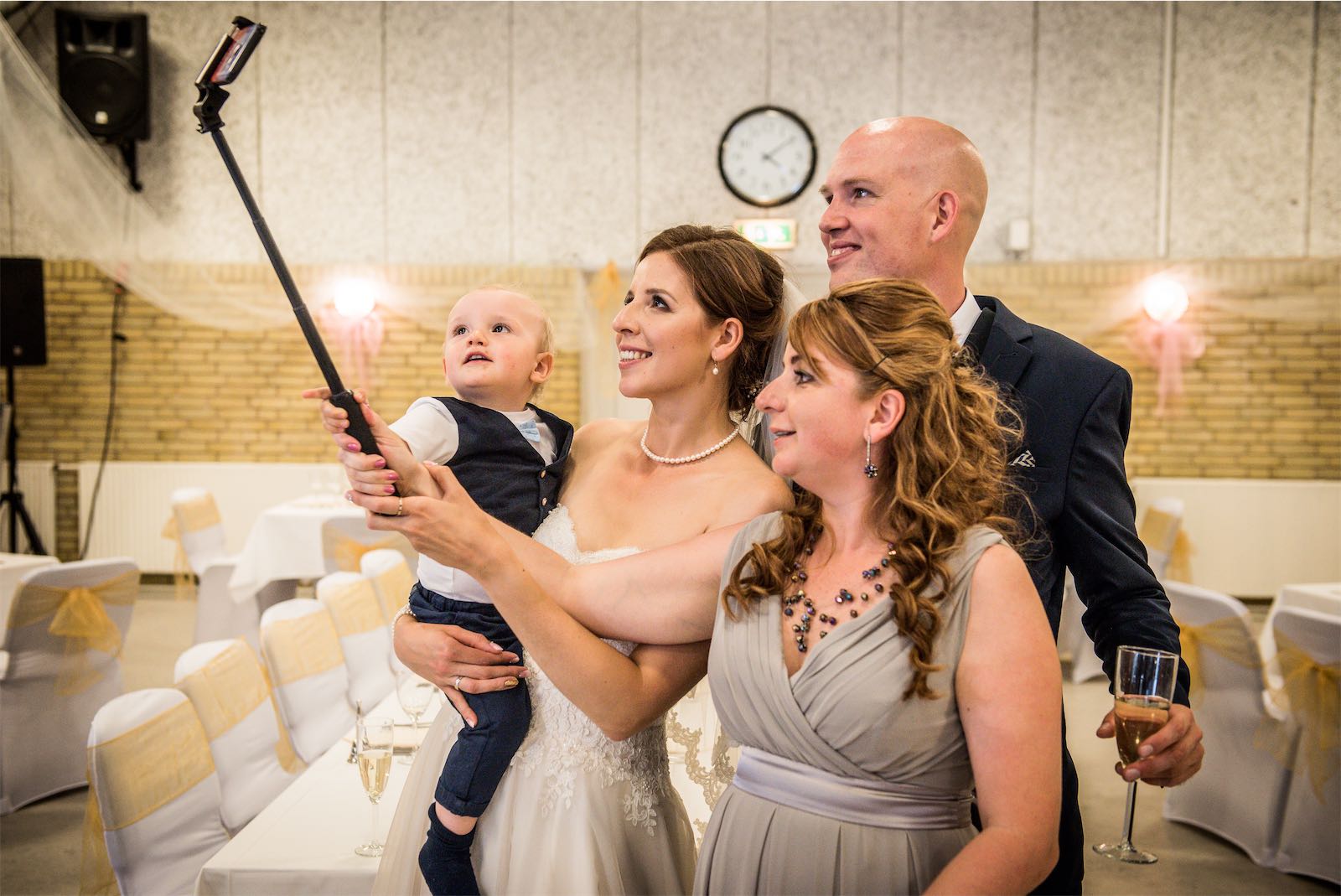
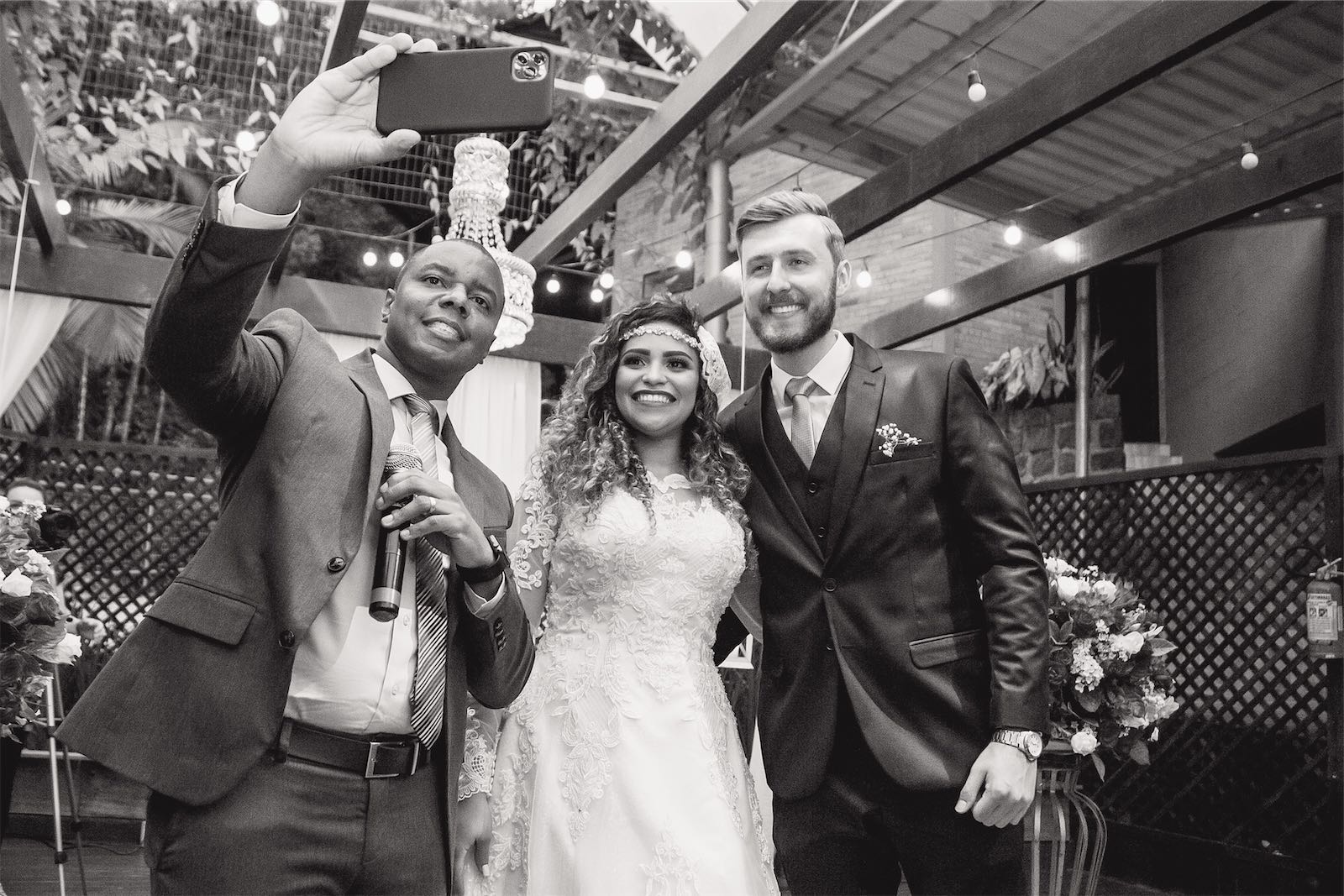
Crowdsourced photos sit alongside the professional shots. They catch the unscripted stuff a photographer misses.
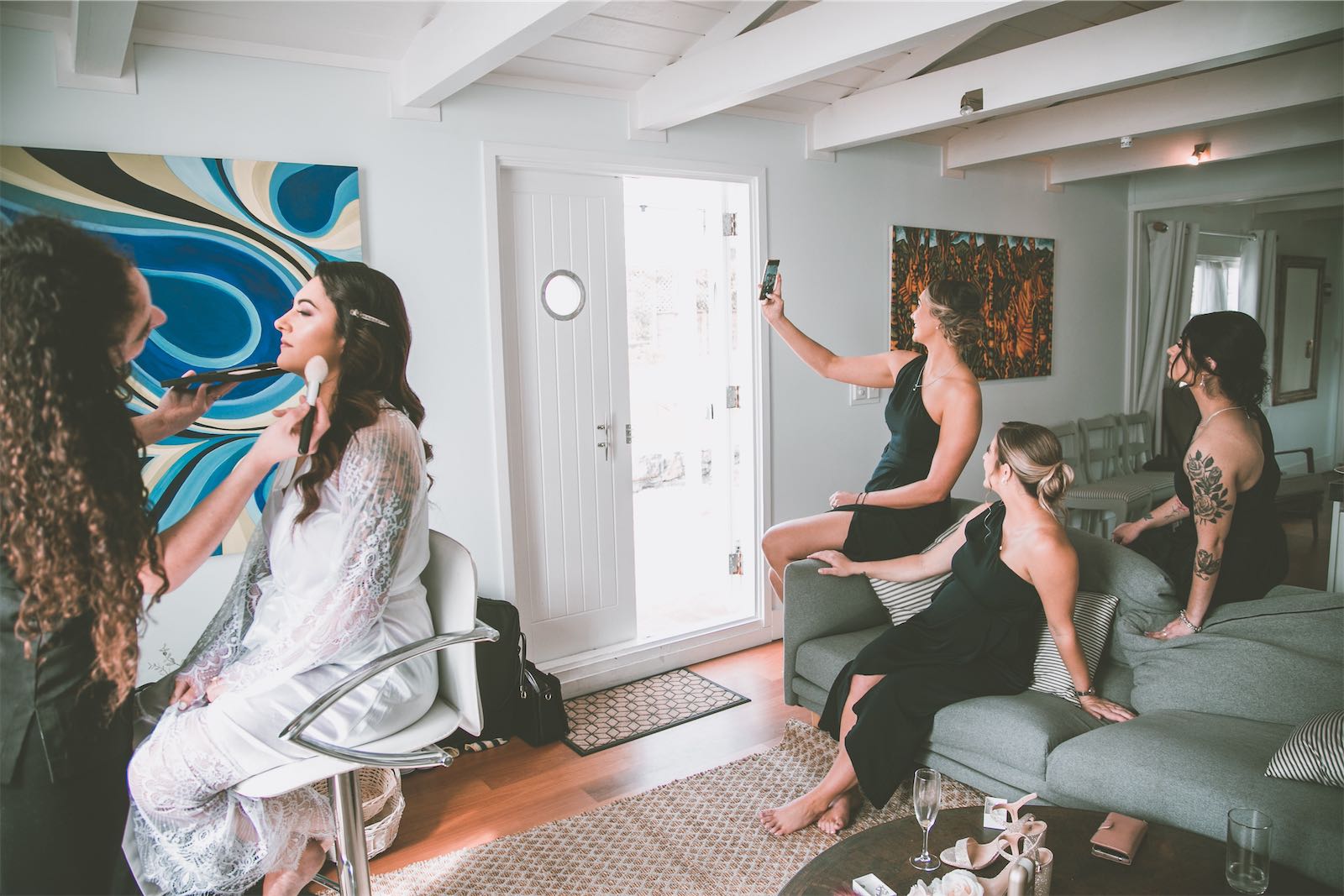
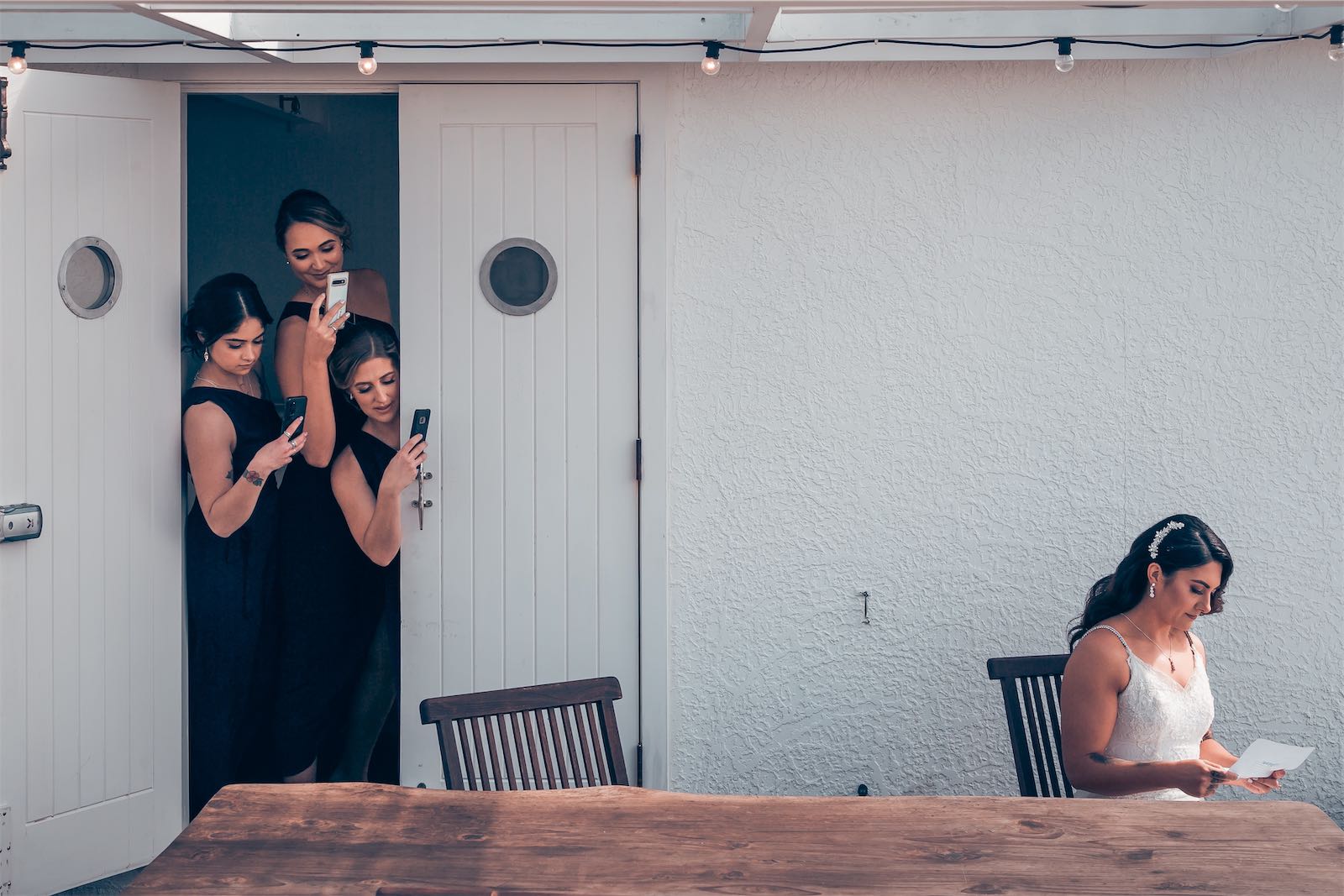
When guests take photos during weddings
Tools and platforms for guest photo collection
Crowdsourced wedding photography only works if guests have one simple place to send their photos. These are the tools people use.
Popular photo-sharing apps
Several apps are built for weddings and handle photo collection for you. The main ones:
| App Name | Key Features | Best For |
|---|---|---|
| WedPics | Easy album creation, direct uploads | Large weddings |
| Proxi | Location-based photo mapping | Destination weddings |
| Capsule | Timeline organization, captions | Multi-day events |
| Wedding Party | Easy sharing, guest interaction | Interactive celebrations |
Using a wedding hashtag
Creating a unique wedding hashtag is a simple way to gather photos shared on social media. Combine elements like your names or wedding theme to make it personal (e.g., #JessAndJohn2024). Avoid generic tags to keep everything organized.
Tips for a great hashtag:
- Make sure it's one-of-a-kind.
- Keep it short and easy to remember.
- Display it prominently at your wedding.
- Share it with guests well in advance.
ImageShout: app-free photo collection
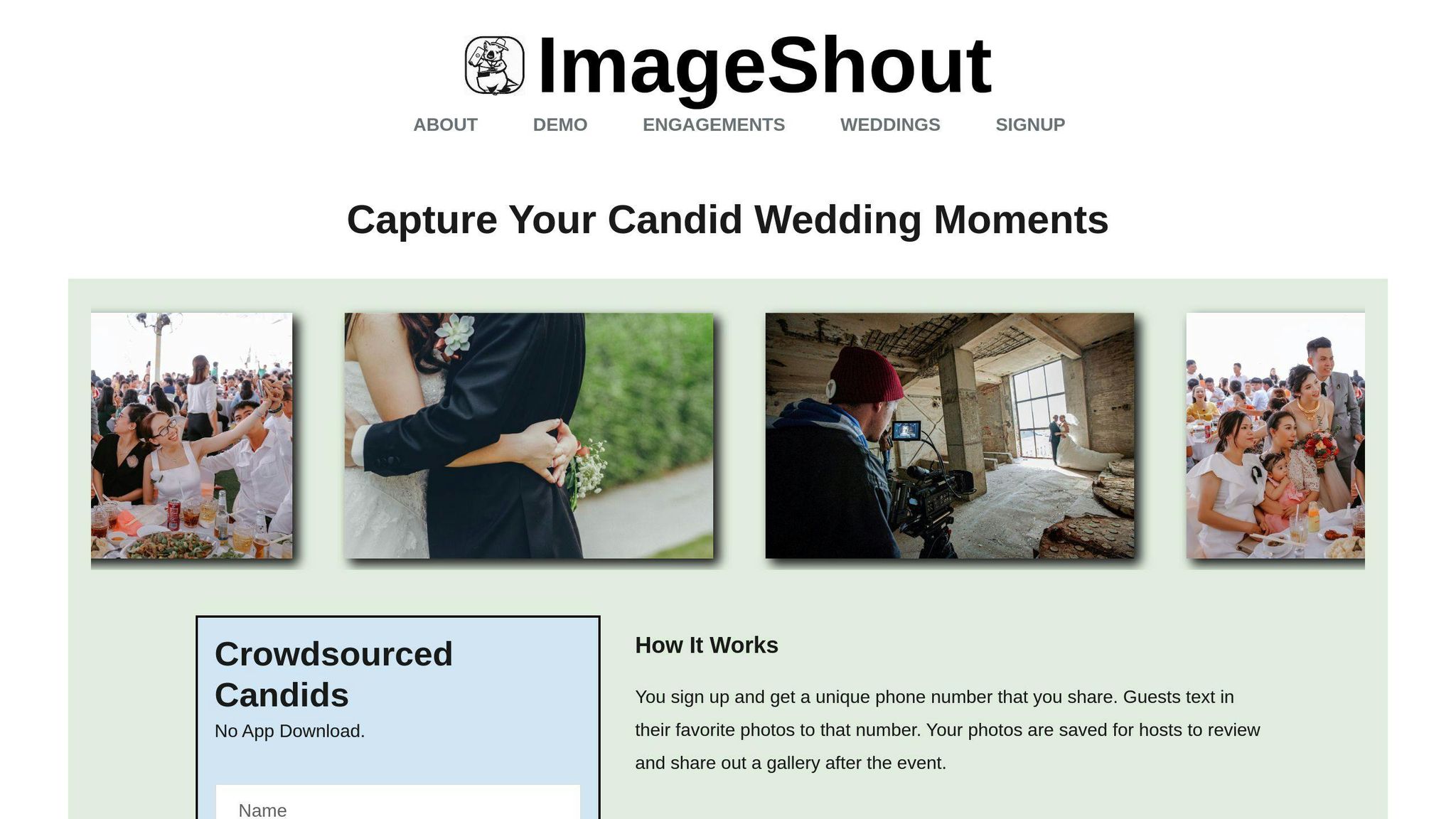
For guests who are not tech-savvy, ImageShout is the simplest option. Guests text photos to a number. No app download, no account. Classic Wedding is $75, one payment, for unlimited guest photos, with texting open until 3 months after the wedding and the album hosted for 3 years. Wedding Journey is $150 and stretches the window to a year before and a year after the wedding.
Why choose ImageShout?
- Guests upload photos directly via text.
- No need for anyone to download an app.
- You can curate and manage submissions.
- Offers privacy controls for added security.
For a step-by-step walkthrough of every method, see our guide on how to collect wedding photos from guests.
Whichever tool you pick, guests need plain instructions, repeated in a few places. That decides how many photos you get back, more than the app does.
Organizing and encouraging photo contributions
Sharing instructions with guests
Make sure your guests know how to share their photos by providing clear instructions in multiple places. Include these details on your invitations, wedding website, social media posts, and even on signs at the venue. Use simple, step-by-step guides for your chosen photo-sharing platform, and prominently display the ImageShout upload number at the venue for easy access.
Encouraging guests to participate
Make photo sharing part of the party. A few things around the venue help:
| Strategy | How It Helps |
|---|---|
| Photo Booth Station with props and good lighting | Inspires group photos and creativity |
| Charging Stations in convenient spots | Keeps phones ready for capturing moments |
| Live Photo Feed displaying guest uploads | Builds excitement and encourages participation |
| Themed Photo Challenges | Gets guests involved by capturing specific types of moments |
It also helps to pick a "photo coordinator": a friend or family member who can point guests in the right direction and sort out problems on the day.
Managing and organizing guest photos
A little organization during the day saves hours of sorting later.
During the Wedding:
- Keep an eye on submissions through your chosen platform.
- Ensure photos are tagged and categorized correctly.
- Quickly handle any technical problems that arise.
After the Wedding: Sort the photos into folders based on key moments, such as:
- Ceremony highlights
- Reception fun
- Candid shots of guests
- Dance floor action
- Unique traditions
ImageShout hosts the album for three years, so there is no rush to sort everything the week after the wedding.
sbb-itb-bded652
Improving photo quality and value
Setting realistic expectations
Aim for genuine, memorable moments rather than flawless perfection. Help guests take better photos by planning ahead and offering simple tips.
| Photo Setup | How to Implement |
|---|---|
| Well-Lit Areas | Set up bright spaces, designate specific photo spots, and remind guests to frame their shots thoughtfully. |
| Equipment Assistance | Provide stable surfaces or mini tripods at popular photo locations. |
| Quick Tips | Share easy photo-taking advice through wedding invites or signage. |
Enhancing professional photography
Guest photos do their best work next to professional shots. The pro gets the portraits. Guests get everything else.
Where guest photos earn their keep:
- Spontaneous reactions during the ceremony or speeches
- Casual group photos during cocktail hour
- Fun moments on the dance floor
- Behind-the-scenes glimpses
- Interactions that might escape the professional photographer's lens
Post-wedding actions
After the wedding, two jobs: organize the photos, and handle privacy properly.
1. Organize and Refine
- Group photos by key moments like the ceremony, reception, or group gatherings.
- Use editing tools to fix brightness and color so the set looks consistent.
- Curate a polished collection by selecting the best shots.
2. Manage Privacy
- Set up private albums with restricted access.
- Let guests know how their photos will be used - whether shared publicly, included in albums, or kept private.
- Offer an opt-out option for anyone who prefers not to share their photos.
Conclusion
Strategies and tools overview
The pattern is simple: one tool, clear instructions, a few reminders. Tools like WedPics and ImageShout collect the photos. ImageShout is the one that asks nothing of guests but a text message, which is why it works for guests who would never download a wedding app.
The importance of guest photos
Guest photos catch what a professional cannot be there for: reactions during the speeches, the dance floor late in the night, the table in the corner the photographer never reached. Couples who remind guests more than once, and make sending photos easy, end up with far more of them.
| Benefit | Description |
|---|---|
| Authenticity | Captures real, unscripted moments from different guest perspectives. |
| Guest Involvement | Inspires guests to actively take part in documenting the day. |
| Broader Coverage | Provides a variety of angles and moments that professionals might miss. |
None of it works if guests do not know the plan. Tell them early, tell them at the venue, and tell them once more afterward.
FAQs
How to collect photos from your wedding guests?
Want to make sure you get all those amazing photos from your wedding guests? Here are some effective ways to make it happen:
| Method | Benefits | Tips for Setup |
|---|---|---|
| Photo-Sharing Apps | Keeps everything in one place | Try apps like WedPics or Capsule for easy uploads |
| Cloud Storage | Accessible for everyone | Set up shared folders on Google Photos or Dropbox |
| Social Media Hashtag | Instant uploads during the event | Display your hashtag creatively on menus or table decor |
| Photo Station & ImageShout | No app required | Perfect for guests who aren't tech-savvy |
To cover all your bases, mix and match these methods depending on what works best for your guests. For example, hashtags are great for quick uploads, while shared cloud folders are perfect for saving high-quality images.
A few habits make any of these methods work:
- Include step-by-step instructions in your wedding invitations.
- Place reminder signs at the reception - think near the bar or entrance.
- Use table cards with photo-sharing details for easy access.
- Send a follow-up message within a few days after the wedding to remind guests to share their photos.